
Integrated POS Hardware and Software Solutions: The 2026 Merchant Buyer’s Guide
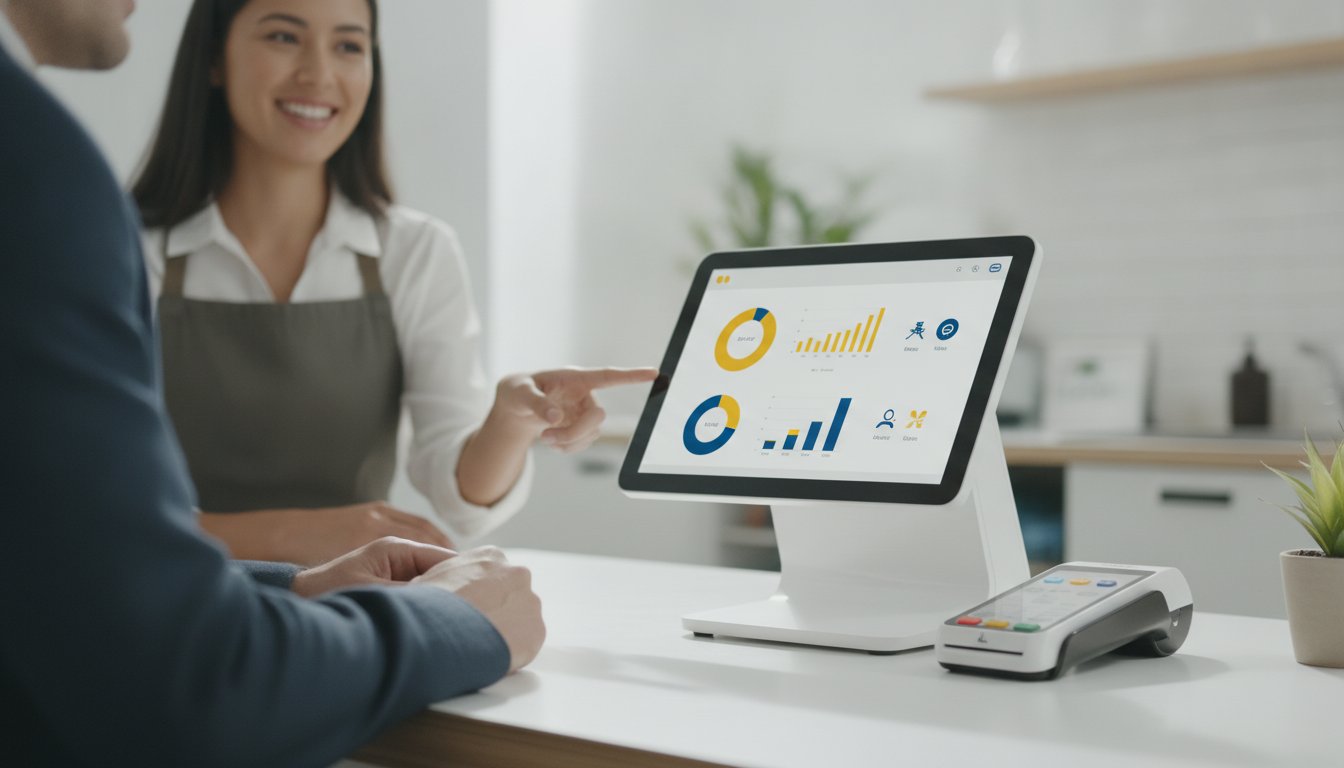
Nearly 44% of restaurant brands are looking to replace their existing checkout systems this year because they've realized their current setup is a bottleneck, not a bridge. If you're tired of manual data entry and waiting days for deposits to clear, you aren't alone. Selecting the right POS hardware and software solutions is no longer just about taking payments; it's about building the primary engine for your business's financial health. You deserve a system that acts as a defender of your time and resources, not a drain on them.
We know the stress of hidden processing fees and the clinical, cold support often found in financial services. That's why we've designed this 2026 buyer's guide to provide relief and clarity. You'll discover how to select and integrate hardware that streamlines your operations and accelerates your cash flow. We'll show you how to achieve a seamless sync with QuickBooks, secure lower transaction fees, and move toward next-day deposits. It's time to transition from a state of operational friction to a state of total confidence.
Key Takeaways
- Understand how the latest POS hardware and software solutions work together to eliminate manual data entry and protect your business's margins.
- Learn to balance the stability of countertop terminals with the flexibility of mobile units to optimize your customer's checkout experience.
- Discover the "gold standard" of financial workflows by automating the sync between your sales data and QuickBooks for real-time accuracy.
- Identify the specific features your industry requires, from advanced retail inventory tracking to specialized restaurant kitchen display systems.
- Move beyond expensive flat-rate fees to find a transparent processing partner that prioritizes your liquidity with next-day deposits.
What are Integrated POS Hardware and Software Solutions?
To understand the shift in modern commerce, we first need to define what a point of sale (POS) system is in the current era. It's no longer just a box that holds cash; it's a unified ecosystem where physical touchpoints and digital intelligence meet. Modern POS hardware and software solutions act as the central nervous system of your business. If your hardware, such as the terminal, isn't talking perfectly to your software, the management suite, you're essentially running two separate businesses. This synergy ensures that every swipe or tap triggers a chain reaction of data that keeps your operations lean.
Why are merchants abandoning standalone registers? Because a register is a dead end for data. Integrated systems are hubs. They don't just record a sale; they update inventory, track employee performance, and build customer profiles in one motion. This proactive approach allows you to focus on your craft instead of chasing paper trails. The software manages the "brain" of the operation, while the hardware acts as the physical interface where that data is born.
THE CORE COMPONENTS OF A MODERN POS
A complete setup requires three pillars working in harmony. First, the hardware: this includes sleek tablets, handheld terminals for line-busting, and EMV-compliant card readers that protect you from liability. Second, the software: cloud-based databases that offer real-time reporting from any device with an internet connection. Finally, there's the invisible layer: your merchant service provider and payment gateway. This is the partner that ensures your money actually moves from the customer's bank to yours. Without all three, the system fails to provide the relief and clarity you need to grow.
THE HIDDEN COST OF NON-INTEGRATED SYSTEMS
Have you ever tallied the hours your team spends on manual data entry? Disconnected systems are silent profit killers. When your POS hardware and software solutions don't talk to your accounting software, you're forced to reconcile sales manually every night. This doesn't just waste time; it invites human error. One misplaced decimal can trigger tax compliance headaches or lead to a skewed view of your daily cash position. If you can't see your true liquidity at a glance, you can't make confident growth decisions. Integrated solutions remove these obstacles, acting as a defender of your resources by ensuring every cent is accounted for automatically.
Comparing POS Hardware: Mobility vs. Countertop Stability
Choosing the right hardware is a foundational decision that dictates the physical flow of your business. Do you need a permanent anchor at a front counter, or a roaming assistant that meets customers where they stand? The choice between desktop stability and mobile agility defines how your customers perceive your brand and how quickly your staff can operate. Effective POS hardware and software solutions should match the physical rhythm of your store or restaurant. If your checkout process feels clunky or tethered to a single spot, your customers will feel that friction too.
Reliability is non-negotiable when your revenue is on the line. Ruggedized hardware often outperforms consumer-grade tablets because it's built to survive the high-intensity environment of a commercial kitchen or a busy retail floor. Beyond physical durability, your system must adhere to payment card industry security standards to keep sensitive data safe. Look for hardware that features an "offline mode" and dual-band Wi-Fi or LTE connectivity. This ensures that even if your primary internet drops, you can keep processing sales without missing a beat.
Desktop Systems for Traditional Retail
High-traffic retail locations often require a fixed command center. Larger displays allow for complex inventory lookups without eye strain, which is essential for stores with thousands of SKUs. These systems integrate seamlessly with heavy-duty peripherals like high-speed barcode scanners and automatic cash drawers. They also offer the security of a wired Ethernet connection. This provides a level of stability that wireless signals simply can't match during peak holiday hours or flash sales. If your business relies on a single point of entry, a desktop terminal is your defender of uptime.
Handheld Terminals for Modern Agility
What if you could eliminate the checkout line entirely? Mobile POS adoption has grown by 180% since 2022 because it removes the final barrier between a customer and their purchase. All-in-one handhelds now allow staff to scan items, take payments, and print receipts right at the customer's side. This is particularly vital for table-side service in restaurants or "line-busting" in boutique retail. If your staff is untethered, your sales potential expands. Selecting the right fit requires a partner who understands your specific workflow. If you want a setup that prioritizes your liquidity, exploring integrated POS hardware options can provide the clarity you've been looking for.
The Financial Workflow: Syncing POS Data with QuickBooks
Why do so many business owners dread the end of the month? It's usually the grueling process of manual reconciliation. QuickBooks integration has become the gold standard for merchant services because it solves this specific headache. When you deploy integrated POS hardware and software solutions, you're installing a bridge that carries every transaction directly into your ledger. This isn't just about saving time; it's about protecting the integrity of your data. Sales tax, discounts, and inventory adjustments flow automatically, ensuring your books are always audit-ready without the late-night spreadsheet sessions.
Beyond simple data entry, a truly integrated workflow acts as a defender of your profit margins. By utilizing ACH processing alongside traditional credit card payments, you can significantly lower your overall transaction costs. This multi-lane approach to payments ensures you're using the most cost-effective method for every sale, keeping more revenue where it belongs: in your business account. When your front-end hardware and back-end software work as one, you move from a state of financial guesswork to total clarity.
Seamless Accounting Synchronization
Most legacy systems only provide daily batch summaries, leaving you to guess which items actually sold. Modern integration allows you to move toward item-level detail in your ledger. This level of granularity is essential for identifying your most profitable products and managing stock levels with precision. If you're looking for a comprehensive way to manage these moving parts, exploring All-in-One Business Financial Solutions can provide the roadmap you need. Expert accounting support ensures your chart of accounts stays clean, preventing the "data bloat" that often plagues unmanaged systems.
Optimizing Cash Flow and Liquidity
In the fast-paced market of 2026, waiting three to five days for your funds to clear is no longer acceptable. It's an obstacle to your growth. Integrated systems prioritize your liquidity by offering next-day deposits, providing a massive strategic advantage over standard settlement windows. When you have immediate access to your capital, you can respond to inventory opportunities or cover unexpected expenses without stress. Leveraging Business Liquidity Management Tools alongside your POS hardware and software solutions allows you to forecast needs based on real-time sales data. You aren't just reacting to your bank balance; you're proactively managing your working capital to ensure your business remains agile and resilient.

Industry-Specific POS Solutions: Tailoring Your Setup
A boutique clothing store and a pediatric clinic have vastly different operational hurdles. Why should they use the same terminal? Selecting industry-specific POS hardware and software solutions is about more than just checking boxes; it's about ensuring your tools speak the language of your daily labor. For a restaurant, this means table mapping and coursing that prevents kitchen chaos. For a service-based business, it means generating estimates and tracking deposits while standing in a client's driveway. When your hardware is purpose-built, you spend less time fighting the interface and more time serving your community.
Service-based businesses, such as HVAC or landscaping, face the unique challenge of being mobile. Your tools must travel with you. This requires rugged handhelds that can handle invoicing and estimate generation on the fly. When you can track deposits and sync them with your QuickBooks ledger from the field, you eliminate the "second shift" of office work that usually waits for you at home. It’s about creating a concierge-style experience for your clients while maintaining the strict financial discipline your business needs to thrive.
Professional and Medical Office Needs
In a clinical setting, the terminal is a reflection of your professionalism. You need hardware that balances ease of use for your staff with robust, HIPAA-compliant data handling for your patients. If your checkout process feels clinical and cold, it detracts from the care you've provided. Integrating appointment scheduling directly into your financial workflow ensures that no billable hour goes unrecorded. To see how these systems function in a real-world setting, read our guide on Merchant Services for Medical Offices. We act as a defender of your patient data while simplifying your back-office billing.
Retail and High-Volume Environments
High-volume retail requires a level of inventory precision that basic systems can't provide. You need to manage multi-location stock levels, vendor relationships, and complex SKU counts from a single, unified dashboard. This setup reduces the friction that leads to lost sales and frustrated customers. By building loyalty programs directly into your software, you turn one-time shoppers into long-term partners. Contactless NFC and EMV chip technology are now standard expectations. If your system is slow, your revenue is at risk. If you are ready to see how a tailored setup can protect your margins, contact our team for a personalized POS consultation today.
Choosing Your Partner: Beyond Hardware and Software
Most providers treat the sale of a terminal as the finish line. We see it as the starting block. Selecting the right POS hardware and software solutions involves more than comparing screen sizes or software features; it's about who stands behind that technology when a sync fails or a deposit is delayed. You need a reliable ally who has already done the heavy lifting of testing and integration. A true partner doesn't just sell you a tool. They act as a defender of your time and resources, ensuring your financial engine runs smoothly every day.
Don't be seduced by the promise of "simple" flat-rate pricing. While these models appear transparent, they are often the most expensive path for a growing business. These providers bake a high margin into every transaction to cover their own risks, essentially charging you for "convenience" that eats your profits. A transparent, interchange-plus model allows you to see exactly what you're paying. When paired with expert-managed ACH processing, this approach provides the clarity and savings you need to reinvest in your own growth.
The LyrxPay approach is built on the idea of managed care for your business's administrative health. We don't just provide hardware; we offer a concierge-style service that bridges the gap between your POS, payroll, and bookkeeping. This long-term professional relationship moves the conversation away from a mere transaction. It allows you to focus on your craft while we handle the complex operational tasks that usually cause the most stress.
Auditing Your Merchant Fees
Have you scrutinized your merchant statement lately? Hidden "junk fees" often lurk under vague labels like "service integrity fees" or "PCI non-compliance surcharges." These costs are obstacles to your liquidity. Auditing your current statement is the first step toward reclaiming your hard-earned revenue. If you're tired of the lack of pretension in your current billing, our guide on how to lower merchant fees offers a strategic roadmap for business owners. We prioritize honesty and straightforwardness, helping you identify exactly where your money is going.
The Implementation Roadmap
Moving to new POS hardware and software solutions shouldn't feel like a leap into the dark. We follow a methodical progression designed to move you from curiosity to confidence. Our roadmap ensures your transition is seamless and your staff is prepared for success.
- Audit and Selection: We conduct a financial audit and select hardware based on your specific operational needs.
- Expert Synchronization: Our team handles the technical heavy lifting of QuickBooks and accounting software integration.
- Go-Live Support: We provide staff training and go-live support to ensure your business experiences zero downtime.
This transition creates a sense of security. It moves your business from the "what" to the "how" with a steady, logical progression that feels both comprehensive and easy to follow. You aren't just buying hardware; you're gaining a partner invested in your operational health.
BUILD YOUR FINANCIAL ENGINE FOR 2026
Your checkout terminal should be the most efficient employee on your team, not a source of constant frustration. By now, it's clear that the right POS hardware and software solutions do more than just process cards; they act as a central hub for your entire financial workflow. Whether you're balancing the agility of mobile terminals or the deep synchronization of a QuickBooks-integrated ledger, the goal is always the same: clarity and liquidity. You've seen how industry-specific tools and a transparent fee structure can turn your checkout counter into a profit center.
You don't have to navigate these complex operational shifts alone. We provide national coverage with the straightforward integrity you expect from a Texas-based partner. From expert QuickBooks and Xero integration to securing next-day deposits for better cash flow, we're here to do the heavy lifting for you. It's time to stop overpaying for "simple" flat rates and start building a more resilient business. We're ready to act as a defender of your time and resources.
Get a personalized POS and merchant fee audit from LyrxPay today. Your future self will thank you for the extra time and resources you've reclaimed for your craft.
Frequently Asked Questions
What is the difference between POS hardware and POS software?
POS hardware refers to the physical devices you touch, like terminals, scanners, and printers. POS software is the digital engine that manages inventory, staff, and customer data. Think of hardware as the body and software as the brain; they must work in perfect harmony to provide the operational health your business deserves.
Can I use my existing iPad or tablet for my POS system?
You can often use a standard iPad or Android tablet, but it's not always the most efficient path forward. While consumer tablets are approachable, they lack the durability of ruggedized commercial hardware. If you choose this route, you'll still need compatible POS hardware and software solutions that include EMV-compliant card readers and secure stands to protect your resources.
How long does it take to sync POS data with QuickBooks?
Synchronization typically happens in real-time or via a nightly batch, depending on how your system is configured. With expert setup, your sales data, tax adjustments, and inventory levels flow into your ledger without you lifting a finger. This automation removes the stress of manual reconciliation and ensures your books are audit-ready every morning.
Do all POS systems offer next-day deposits?
No, many standard processors hold your funds for two to three business days to manage their own risk. Integrated solutions prioritize your liquidity by offering next-day deposits. This speed is a strategic advantage that allows you to reinvest in inventory or cover payroll without the anxiety of waiting for your own money to clear.
Is it possible to lower my merchant fees by switching POS hardware?
Switching your hardware often provides a natural opportunity to audit and lower your merchant fees. Many proprietary systems lock you into expensive flat-rate pricing. By moving to a more flexible setup, you can access interchange-plus models that remove hidden "junk fees" and keep more revenue in your business account where it belongs.
What happens if my internet goes down during a sale?
Modern systems feature an "offline mode" that allows you to continue taking payments even when the internet fails. The encrypted transaction data is stored locally on the device and syncs automatically once your connection is restored. This ensures zero downtime and protects your sales momentum during peak hours or outages.
Is ACH processing cheaper than credit card processing for my POS?
ACH processing is almost always more cost-effective than credit card processing, especially for high-ticket items or recurring service bills. By offering ACH as a payment option through your POS hardware and software solutions, you can significantly reduce your transaction overhead. It's a straightforward way to defend your margins without changing your pricing.
What kind of hardware do I need for a mobile retail business?
Mobile businesses thrive on all-in-one handheld terminals that include a scanner, receipt printer, and card reader in a single device. You should prioritize hardware with dual-band Wi-Fi and LTE connectivity to ensure you can process sales anywhere. Long battery life and portable charging stations are also essential for managing long shifts at markets or client sites.